0.80.0
NOV 21 · 2026
FEATURE
▸ New Ship Keys: The Build Letters Only Build
Keys changed
- No ship order sits on the build grid's letters any more. Q W E R / A S D F / Z X C V only ever build, whatever you have selected; the ship orders moved to the mouse and to letters outside the grid. Every order still has its button in the fleet panel. For this release, pressing an old key with ships selected gives no order and tells you once where it went.
- Move: [Q], then right-click → [Alt] + right-click (or the Move button, then right-click).
- Warp: [V], then right-click → [Ctrl] + right-click (or the Warp button, then right-click). [Ctrl] + [Shift] + right-click still queues warp legs.
- Move by warp, no stopping: [Q] + [V] → [Ctrl] + [Alt] + right-click (or both buttons).
- Engage on sight: [E] → [G].
- Follow the selected ship: [F] → [Y].
- Scouts explore: [X] → [B]. Miners return to orbit: [R] → [B]. A colonizer's [B] (go to the best planet) is unchanged: [B] is now each ship's own job, and in a mixed selection each does its own; warships and freighters keep their orders.
- Auto-colonize on / off: [C] → the Auto-colonize button.
- Settlement map: [G] → [M] twice ([M] minerals, again settlement, again off).
- Ship-count badges: [Y] → the Map menu in the top bar.
- Unchanged: Patrol [P], Hold position [L], Keep formation [J], the camera keys, fleet groups, bookmarks and the overview keys.
Controls
- Queue button. While Queue in the fleet panel is lit, each right-click adds to the orders, as [Shift] does, also for a patrol's points and on the minimap.
- Engage, Auto-colonize and Follow are buttons in the fleet panel.
- Fleet groups and bookmarks by mouse. A + chip saves the selected ships as the next group, another saves a bookmark. Rest the mouse on a chip for a small button that adds the selection to that group or clears that bookmark.
- Idle chip. It goes to your next waiting colonizer, scout, miner or freighter and shows how many there are.
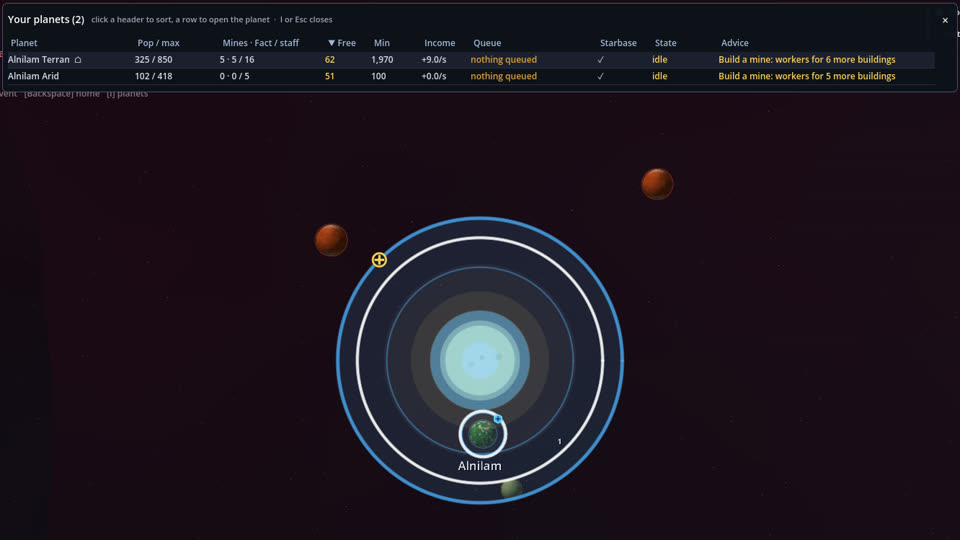
- Back arrow in the system view, up to the planets list, like the planet view's.
- Click the speed in the top bar to pause and resume.
- x5 on the build grid: while it is lit, a click queues five.
- Replay buttons for pause, step, slower, faster, fast mode, view, reveal and restart.
Interface
- The wheel over the minimap zooms the main view toward the point under the cursor: the view glides there and takes one zoom step per notch.
- A finished scanner says so. A line in the event feed names the planet, and the scanner's two scan rings grow out from it to their full range.
- Star names from zoom 1.0. Star names now appear once you zoom in to 1.0 instead of 0.8, so they are never tiny when they first show.
- UI scale now goes up to 1.5. The UI Scale slider runs from 50% to 150% at every resolution; above 150% the fleet panel and the planet view no longer fit. A saved 200% or 250% opens at 150%, and one line under the slider says so the first time you open Settings.
Balance
- Scanner I now shows planet details out to 500, further than a scout (450; it was 350). Its detection range stays 700.
- A planet that is bombed empty or captured now loses its scanner as well. Nothing built on it is left: mines, factories and scanner all go, so whoever settles it next starts from bare ground (before, a bombed-out planet kept its scanner for the next owner, and a colony taken at 0 people kept everything).
Fixes
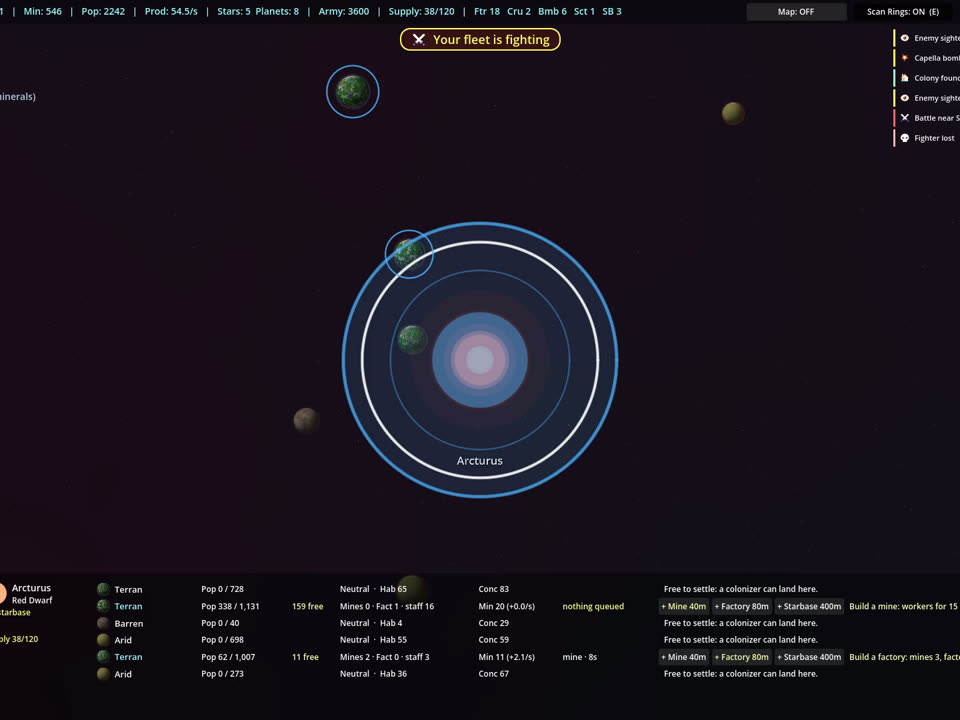
- The build grid fits at every interface size. Its tabs stay on screen, also on a planet without a starbase. At UI 1.5, x5 sits in the tab row.
- A long build queue no longer hides the build grid. With many items queued, the planet view's tiles slid below the panel's edge and only the word "Build" showed; the grid now starts at the top beside the queue.
- Inspecting something that dies. When the starbase or ship you are inspecting is destroyed, the Inspect view closes cleanly; before, an error could repeat every frame until you selected something else.
- The Queue button's previews. While Queue is lit, the map previews your next order from the end of the queued orders, as it does with [Shift] held (the hover preview, the selected ships' route and a patrol being placed).
- New ships come out at the planet that built them. A system still has one rally point, but a new ship now appears beside the planet whose yard built it, not beside the star, and flies to the rally point from there. The rally line starts at that planet too.
Preview
- Preview: press Ctrl+D in the main menu to try research and the reusable Constructor, both unfinished. Tell us what you think.